How to Request an Exness IB Change
A new account and an existing account are different situations. Choose the route that matches yours instead of following an outdated shortcut.
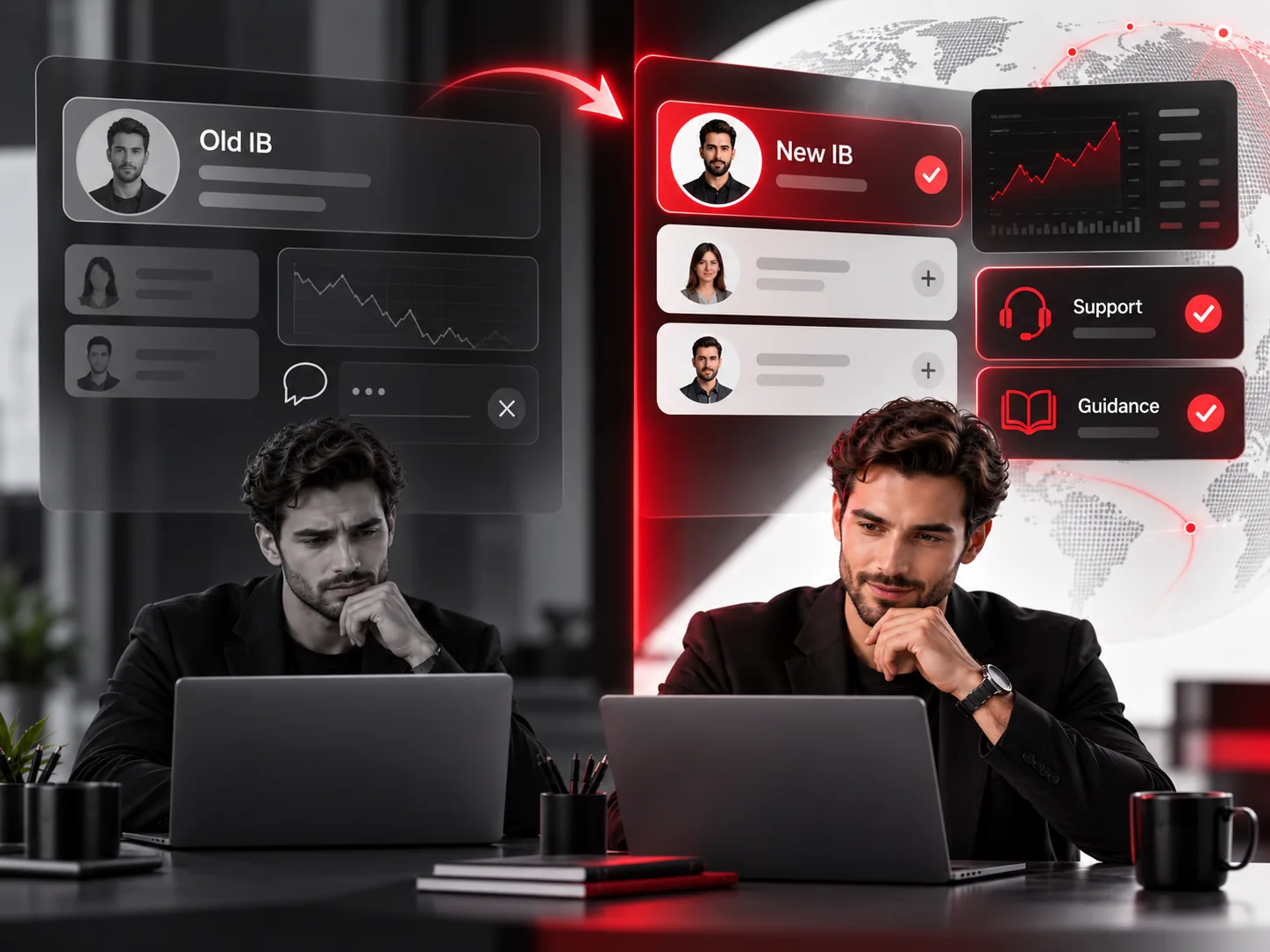
Want to replace a partner linked to your Exness account? Start by checking whether you actually need a change. Some clients want a new person to answer questions; others are concerned about an existing referral relationship. A request is possible under Exness client terms, but the result is not automatic.
Step 1: identify your current partner
If you do not know your linked partner, contact Exness support. According to its Help Center, support can disclose the partner’s account number, but not the partner’s personal information.
Step 2: gather the necessary information
Have your own account details ready for the official Exness channel and obtain the proposed new partner’s account identifier if relevant. Do not send passwords, OTP codes, or identity scans to a random IB website.
Step 3: contact official Exness support
Explain that you want to request an unlinking or a change of partner. Ask which options are available for your registered entity and country, and follow its current security-verification instructions. Exness lists “changing partner” among actions that may require proof of account ownership.
Step 4: wait for a response
The client agreement says that Exness or its affiliates may accept or decline the request at their discretion. This site cannot complete or accelerate that process.
What if the request is declined?
Ask Exness whether any alternative is permitted. Avoid attempting to circumvent identity, eligibility, or account rules by opening duplicate accounts. Do not assume you can transfer an existing trading account to a new Personal Area.
Common questions
What is an Exness introducing broker?
An introducing broker (IB) is a partner that introduces clients to the broker. Depending on the arrangement, a partner may provide education or support. Exness remains the broker and controls the trading account.
Can I change the IB linked to my Exness account?
Exness client agreements allow clients to request unlinking or changing a partner. Exness decides whether to approve a request; approval and timing are not guaranteed.
How do I know who my current IB is?
Exness says its support can provide the linked partner account number, but not the partner’s personal information.
This is an independent information and partner-referral resource, not an official Exness website. Availability and account procedures vary by jurisdiction and account. CFDs are complex products and carry significant risk.